Multi-Agent AI Chatbot for Enterprises
Get access to specialized AI agents. Choose your AI model and get solutions to your queries about documents, websites, web searches, and YouTube videos from a single interface.
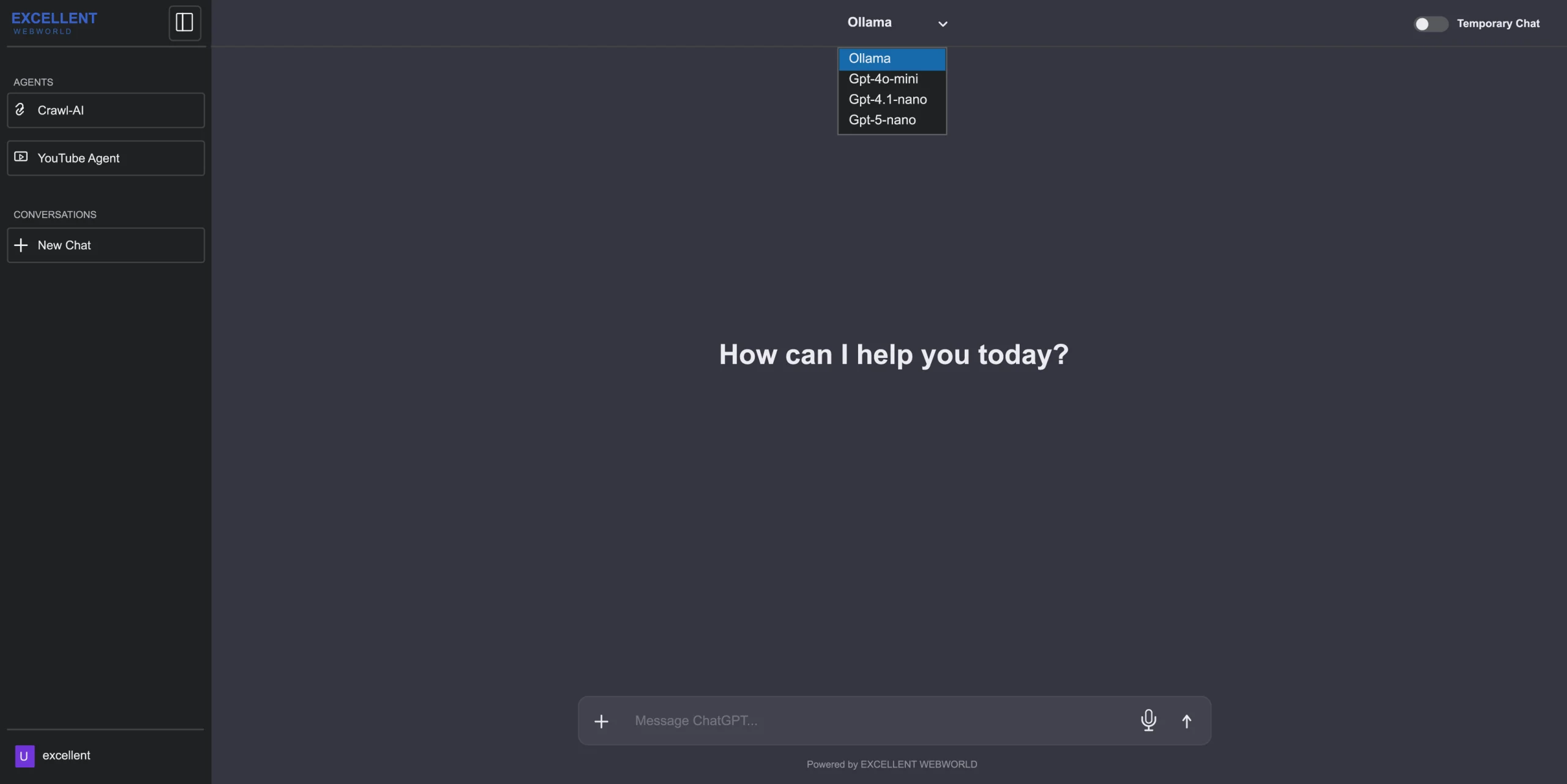
Single Chatbot for Multiple AI-powered Workflows
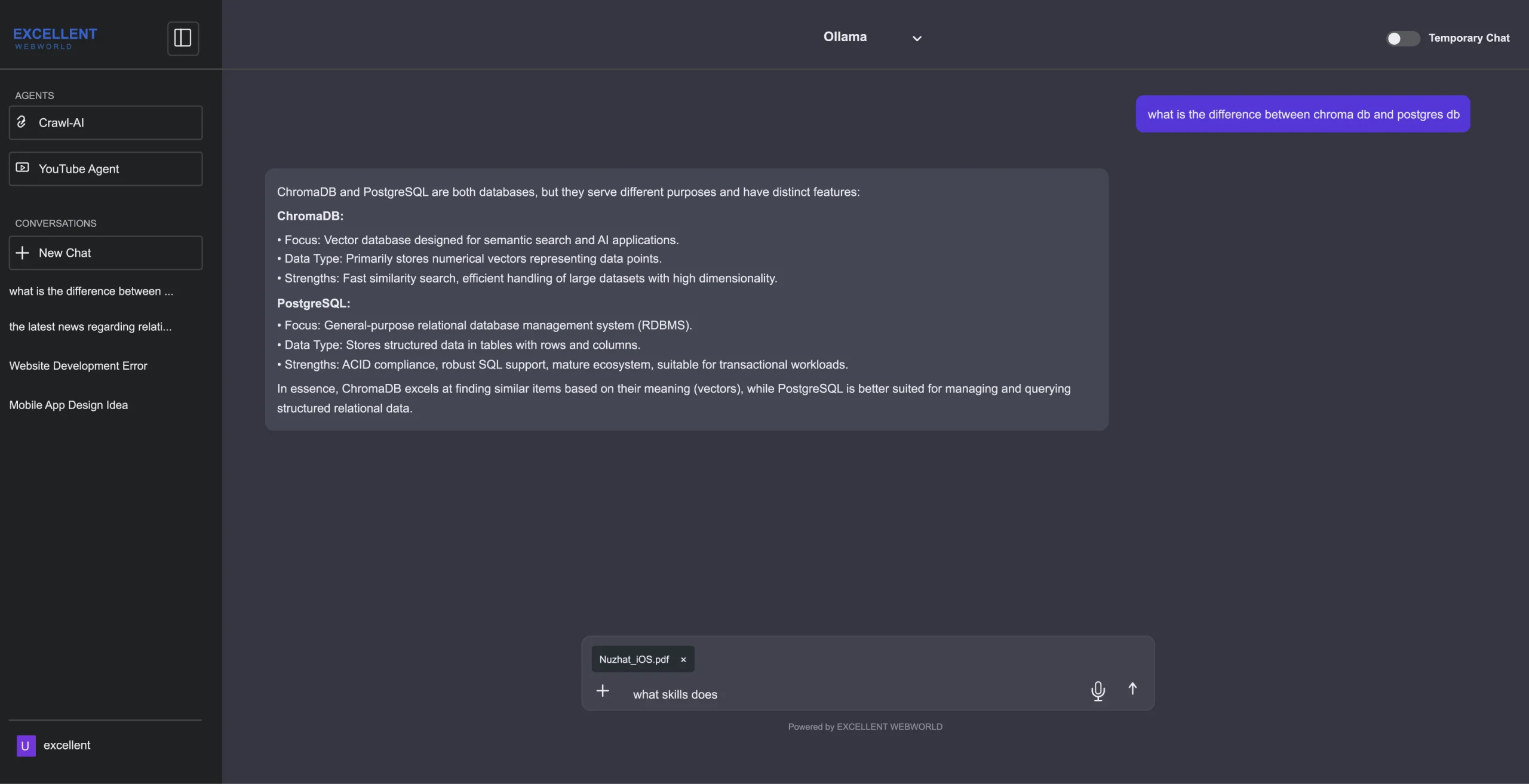
Users find our Multi-Agent Chatbot reliable and flexible for getting answers to complex queries. You can choose the right AI model, such as Ollama, GPT-4o-mini, GPT-4.1-nano, and GPT-5-nano. Start a normal conversation. Instantly switch to a temporary chat. Get responses to your queries about uploaded files. Search the web. Crawl-AI helps analyze website content. Interact with YouTube video content via a specialized AI agent.
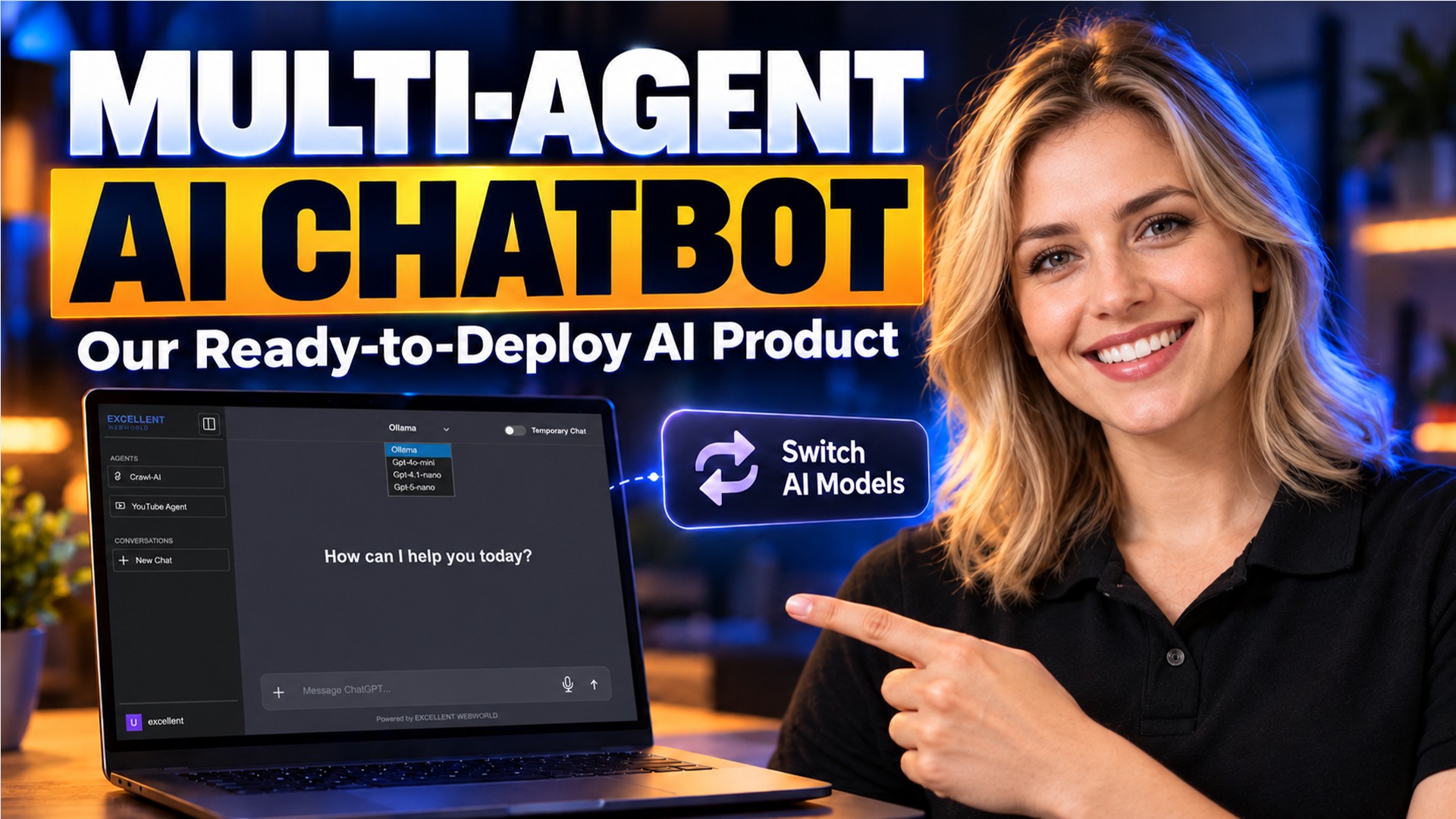

Watch the Multi-Agent Chatbot in Action
Experience our all-in-one multi-agent chatbot that assigns different tasks to specialized AI agents while keeping the user in one conversation interface.
AI Chat & Specialized Agents in One Interface
Choose the AI capability that fits your task from different options, whether you need a quick conversation or want to ask questions about a document, website, or video.
Select the AI model you need, whether it be Ollama or GPT-5-nano, before starting the conversation. Match your AI model to your required use case.
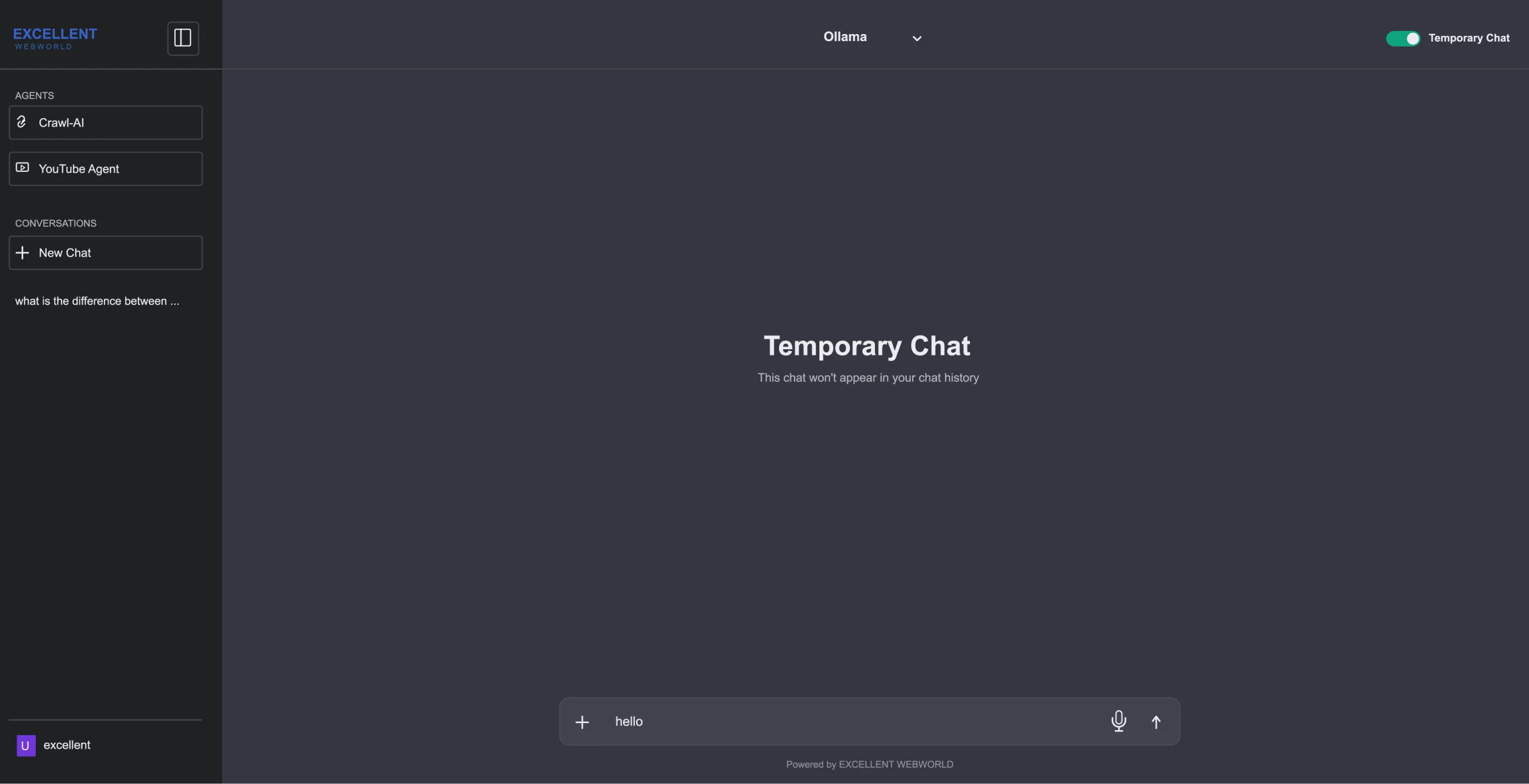
Start asking questions by selecting the Temporary Chat option. The AI responds as a regular chat, but the conversation is treated as a temporary session.
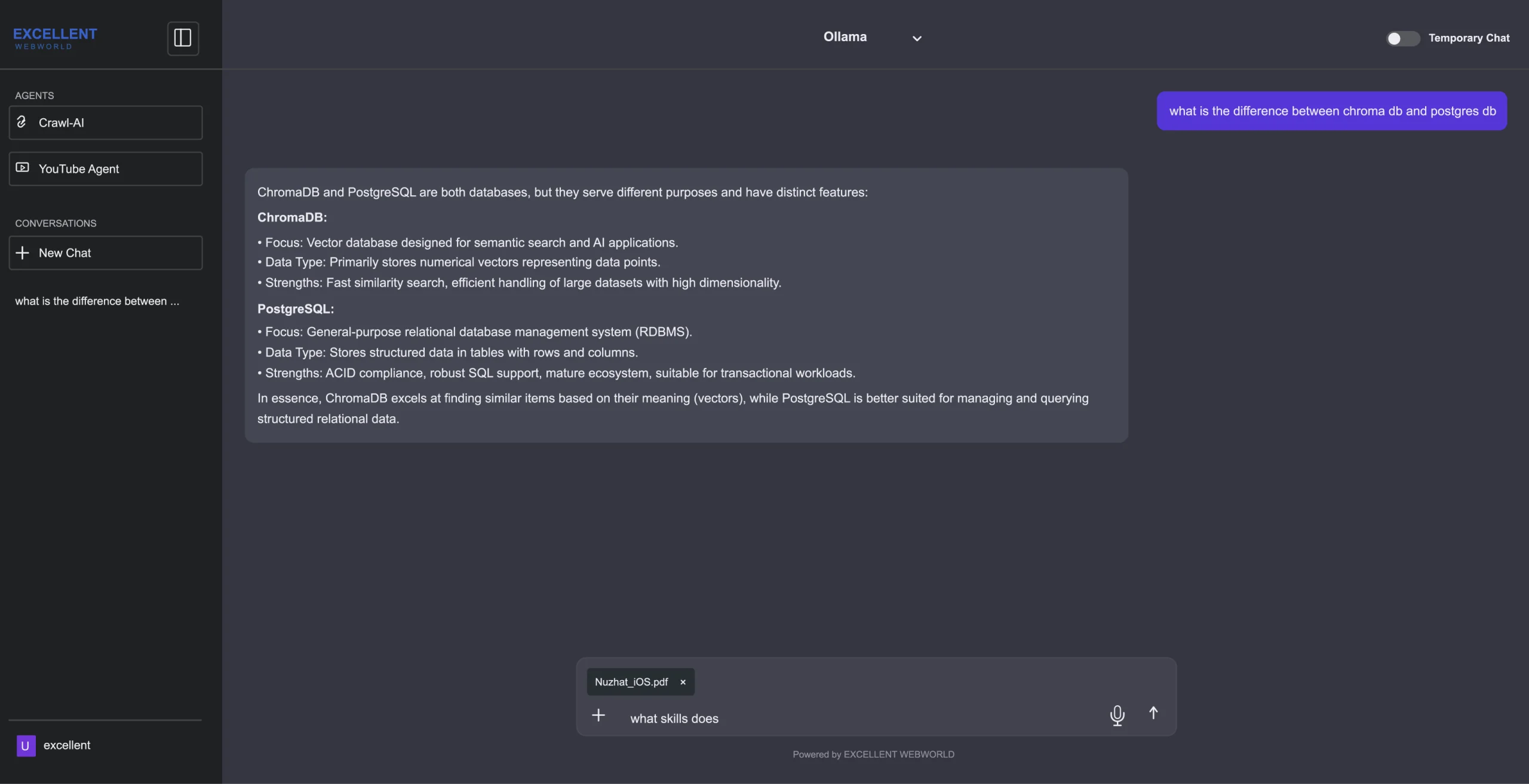
Upload the document from which you want the information. Wait for the system to process its content and then ask your queries. The AI analyzes the content and provides the relevant information to you.
In case you need information from the web, use the Web Search feature. Enter what you want to ask. Before generating the response, the system searches relevant web information. You get the latest information that is available online.
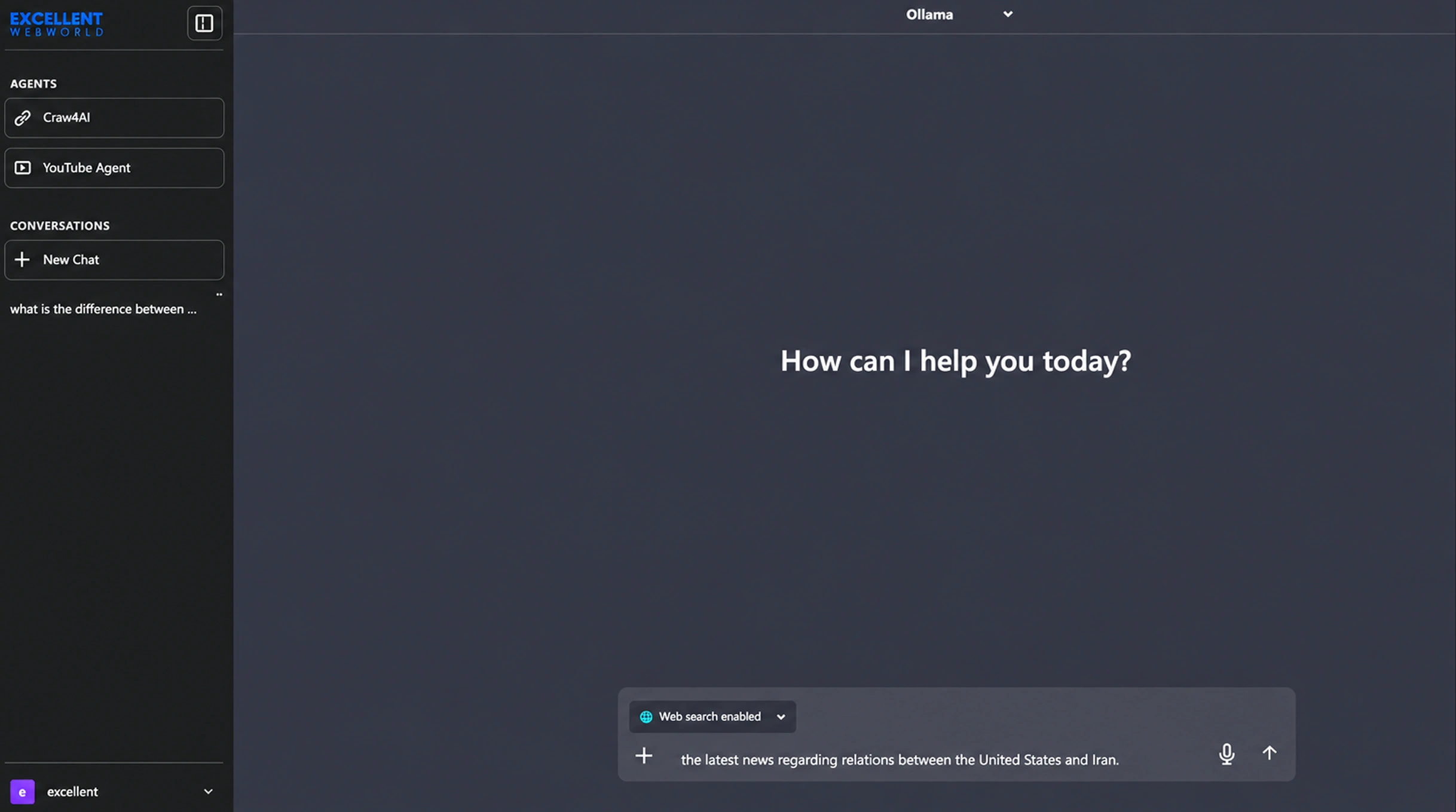
Select the Crawl-AI agent option, enter the website URL in the box, and press submit. The agent crawls the site and prepares the content. Once crawling is complete, ask your queries and receive answers with source URLs to verify.
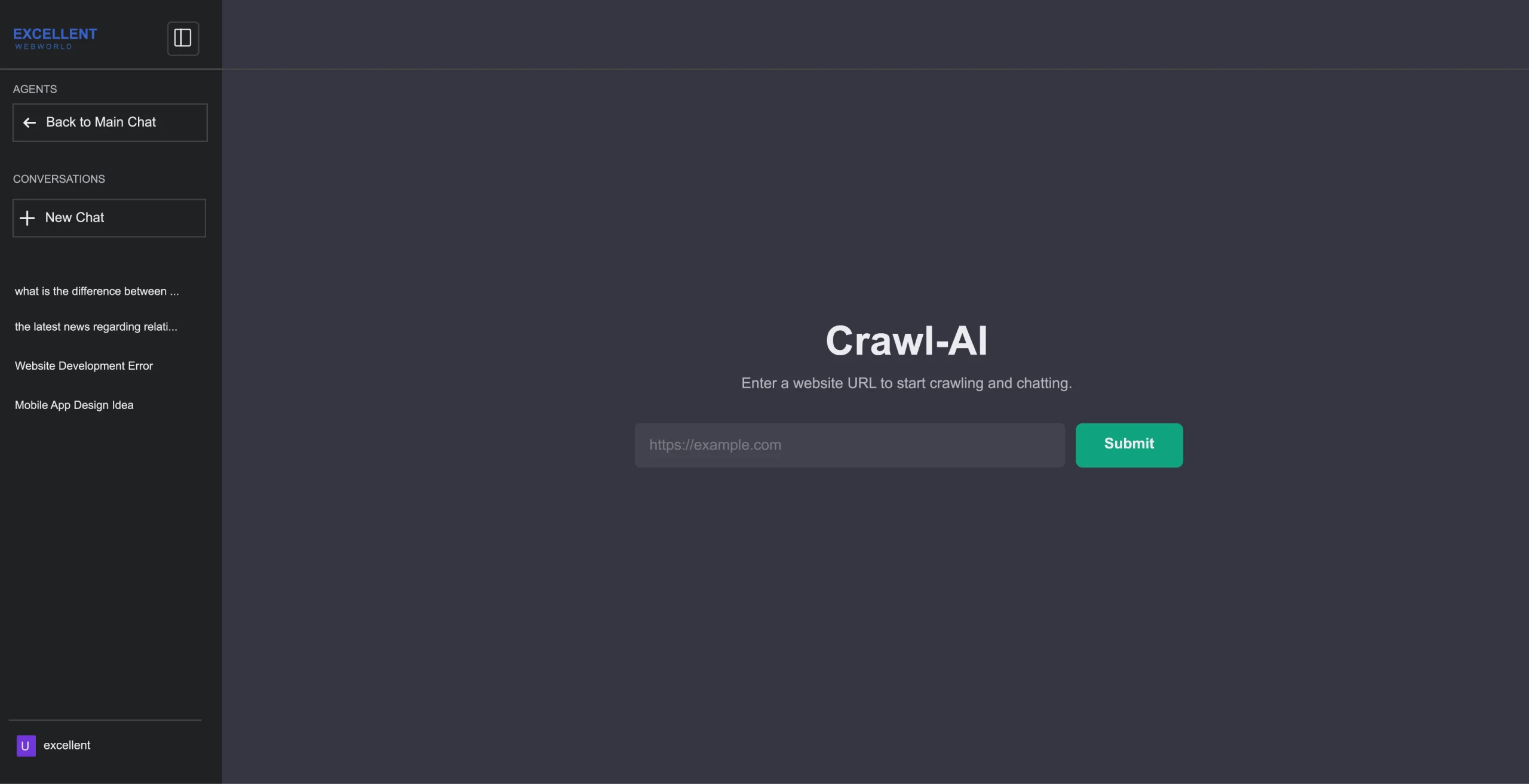
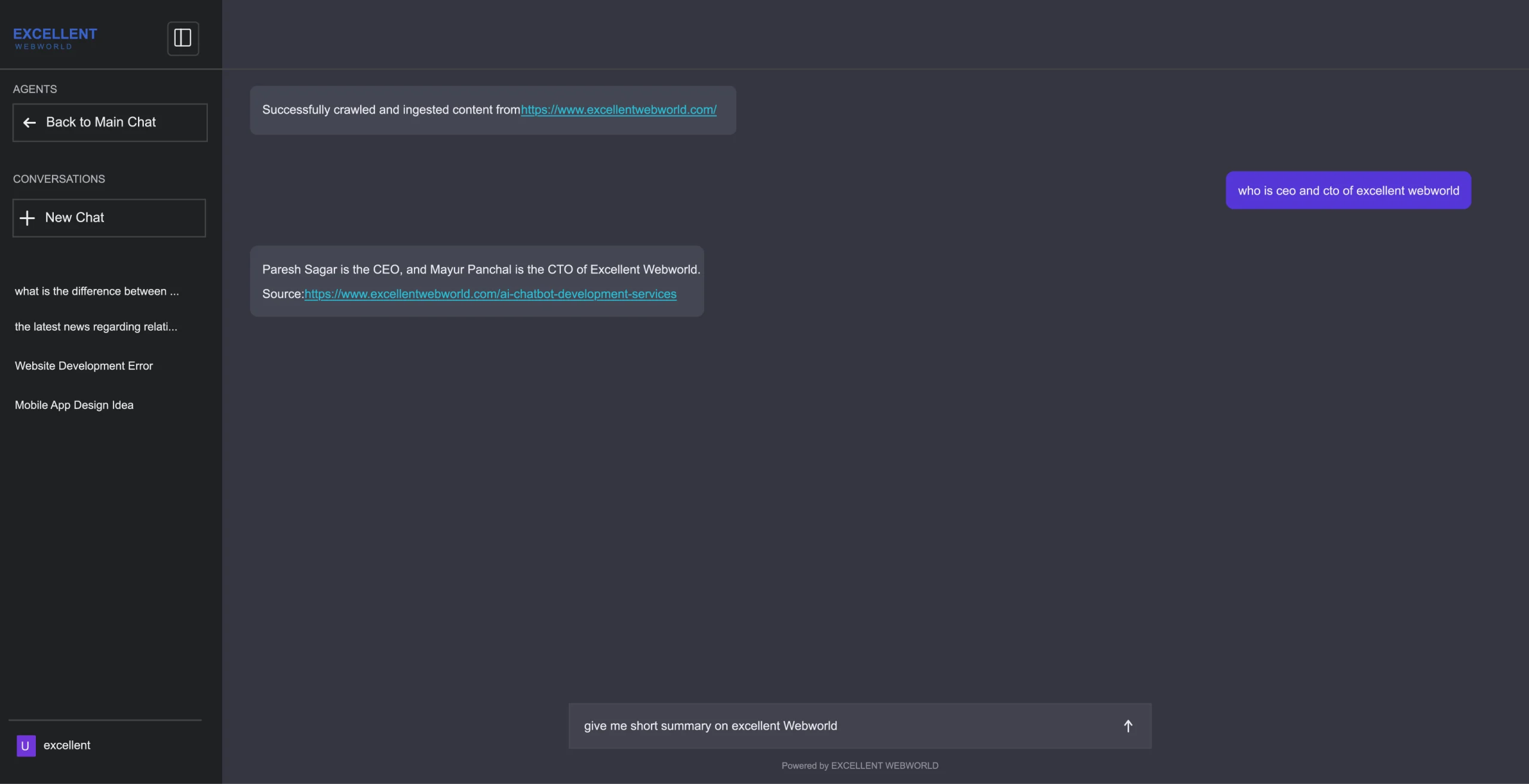
The Crawl-AI Agent includes relevant website source URLs with its response. Users can use these URLs to verify where the information is fetched from.
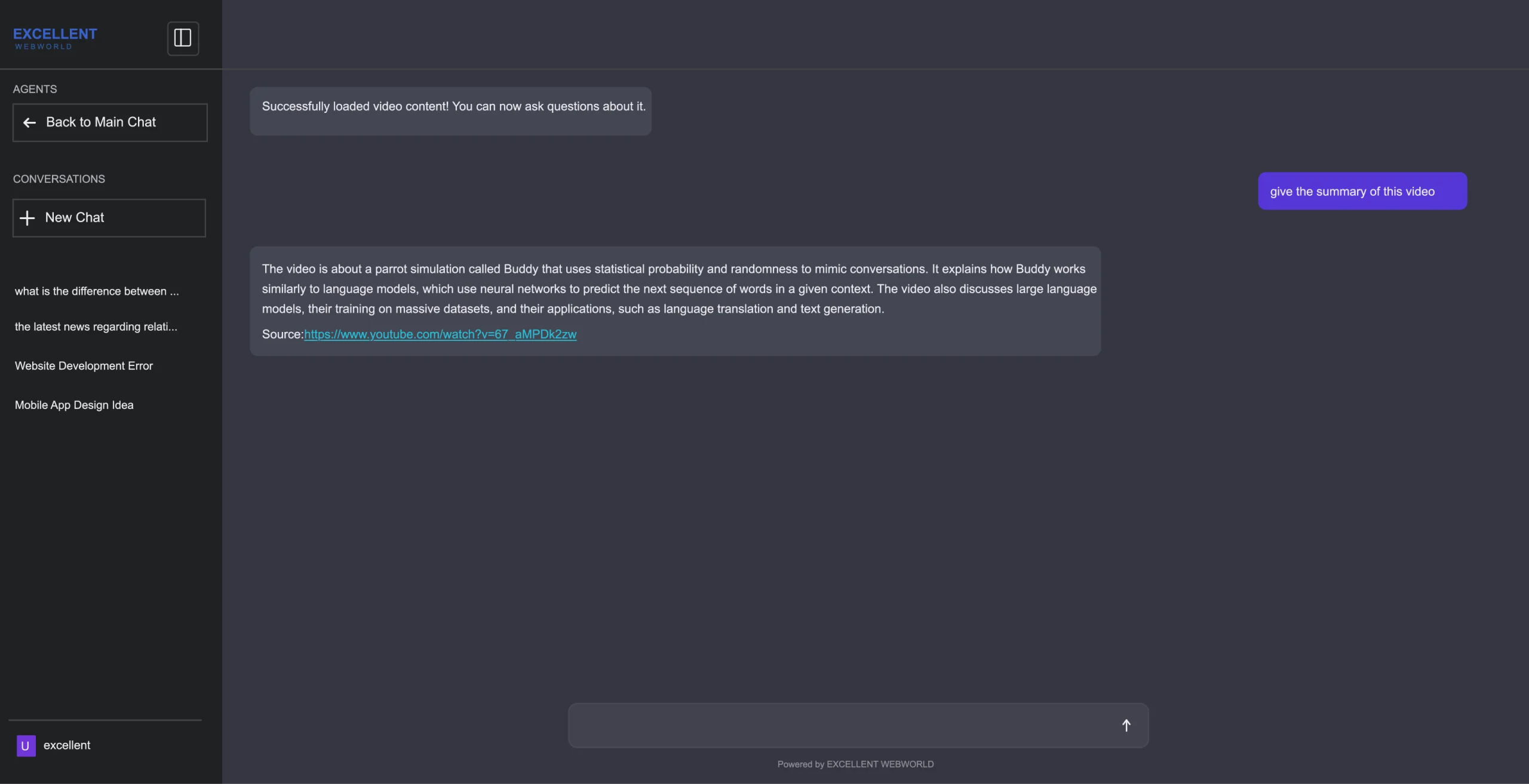
Select the YouTube AI Agent option and paste the video URL. The system processes the available video content, including its transcript, and prepares it for AI analysis. Ask questions about the video or request a summary with its main points.
Normal conversations are stored in chat history. You get the option to open previous conversations from the sidebar to continue or review them. Start a new chat whenever you need, and it begins with a fresh context.
Analyze Website Content With the Crawl-AI Agent
Enter a website URL, let the agent process its content, and ask questions based on the information it collects.

Select Crawl-AI
Choose the Crawl-AI agent from the available AI agents when you want to ask anything about a complete website.

Enter the Website URL
Enter the URL of the website you want to analyze and get information from, whether you need one site’s content or all of it.

Start Crawling
Submit the website URL you entered. The Crawl-AI Agent starts crawling the website as soon as the URL is submitted.

Check Crawl Progress
The agent collects all the available website content with every single detail. Questions can be asked once the crawl is complete.

Process the Content
The system processes the crawled website content and prepares it for AI-based search and question answering.

Ask Questions
Once the crawling process is completed and content is ready, ask your questions related to the website.

Generate the Answer
The AI searches the crawled website content and generates an answer based on the relevant information.

Display Sources
The response can include the relevant website source URLs, so you can verify where the information came from.
Ask Questions About YouTube Video Content
Enter a YouTube video URL, let the system process its available content, and ask questions or request a summary.
Select the YouTube Agent
Select the YouTube AI Agent to interact with the content of a YouTube video.

Enter the YouTube URL
Enter the URL of the YouTube video you want to analyze with the agent.

Process the Video
The system processes the video content, including its transcript, and prepares it for AI analysis.

Ask Questions
Once processing is done, ask questions about the video’s content.

Generate the Answer
The AI searches the processed video information & provides an answer based on the video content.

Generate a Summary
You can also ask the AI to summarize the video and provide its main points.
If your users work with websites, videos, documents, or other content sources, get our multi-agent chatbot to handle each workflow.
Technology Insights From Our Experts
Access thought leadership and practical guidance from our technology specialists who understand the complex challenges facing modern enterprises in today’s digital economy.