I do not rate DevOps tools by their feature sets. I only ask myself a simple question: whether they increase safety, efficiency, and ease of deployment in CI/CD, infrastructure provisioning, config management, containerization, and production monitoring while reducing the need for a highly skilled team that will maintain it.
There is no such thing as the best DevOps tool. What is great for one Dev team may become a burden for another depending on the stack, skills, environment, and operational capacity of the team. The importance of this consideration increases as AI comes into software delivery. The research by DORA confirms that AI increases the adoption of good practices. It does not solve poor pipelines, lack of policies, and insecure deployments.
I am not going to give any awards for the best tools in each category. The point is to give you an idea of what tools I would use in production, which ones will be a better choice in specific situations, and, finally, what tools should be excluded from my arsenal as they require more maintenance effort than they provide.
What Are DevOps Automation Tools?
DevOps automation tools automate building, testing, securing, and deploying applications. They help teams perform repetitive tasks, achieve consistency, and speed up the delivery process.
The main DevOps automation areas include:
CI/CD: Automating code building, testing, security validation, and deployment
Infrastructure as Code (IaC): Cloud infrastructure management through configuration files
Container Management: Deploying and scaling containerized applications
Monitoring & Observability: Monitoring application performance
Test Automation: Executing automated tests to catch errors and issues before deployment
Usually, teams use a mixture of different tools, as no platform can cover all aspects of the delivery process equally well.
If you want a deeper, step‑by‑step view of how these tools fit into modern delivery pipelines, our cloud‑native application development guide walks through CI/CD, container orchestration, and monitoring in practice.
How DevOps Automation Prevents Production Incidents
DevOps automation lessens manual work that can lead to release errors, configuration drift, and slow down incident recovery. Each automation area addresses various risks in the software delivery process.
| DevOps Area | Problem It Reduces | How Automation Helps |
|---|---|---|
| CI/CD | Release mistakes | Runs tests, performs security checks, enforces approvals, and supports rollbacks. |
| Infrastructure as Code (IaC) | Infrastructure drift | Keeps infrastructure changes versioned, reviewable, and repeatable |
| Container orchestration | Application downtime | Restarts crashed apps, keeps copies running, and reschedules workloads |
| Configuration management | Inconsistent servers | Applies consistent updates and security settings across systems |
| Monitoring & observability | Slow problem detection | Uses metrics, logs, traces, and alerts to identify and diagnose issues faster |
| Automated testing | Software regressions | Run tests before release to catch common application and security issues. |
How I Evaluated DevOps Automation Tools
I went beyond listing out features and integrations. For me, that’s the measure of a useful tool—it should be doing more work for you than it makes you do for it.
Operational burden: The effort it takes to use the tool in practice, including setup, ongoing maintenance, updates, and the level of expertise required. A tool with high operational burden can drain engineering time, while a lighter one reduces overhead.
Adaptability: How flexible the tool is within real workflows, infrastructure setups, and regulatory requirements. The more adaptable it is, the less you need to change your processes to fit the tool.
Compatibility with other tools: How smoothly it integrates with the rest of your stack: source control, cloud providers, security systems, monitoring platforms, and Kubernetes. Strong compatibility means less custom glue code and fewer integration headaches.
Security and Governance: The capability to provide access controls, audit trails, secrets management, policies, and production change management.
Scalability & Reliability: If it is capable of supporting more projects, more infrastructure, and more people without creating a delivery bottleneck.
Predictable Costs: If costs (licensing, computing, services, operations costs) can be kept understandable in relation to usage.
Exit Cost: How easily the platform can be replaced or circumvented without impacting the operational model.
My preference: I would prefer a small set of tools where there is clear ownership of each versus a large set of competing platforms. Better to have 5 tools that work well together than 10 overlapping tools that make delivery and incident management difficult.
DevOps Automation Tools: At-a-Glance Comparison
Here is a quick look at well-known DevOps tools. Each has its main function, method of utilization, how it is done, difficulty level of mastering it, and how its pricing generally works.
| Tool | Major Role | Deployment | Interface | Learning Curve | Pricing |
|---|---|---|---|---|---|
| Northflank | CI/CD, deployment, scaling | SaaS or BYOC | Web UI, API, CLI | Easy | Free sandbox; usage-dependent compute |
| Terraform | Infrastructure as Code | CLI (self-managed) or HCP Terraform | HCL + CLI | Moderate | Free CLI; managed begins at $0.10/resource/month |
| Pulumi | Infrastructure as Code | CLI or Pulumi Cloud | Languages (TS, Python, Go, etc.) | Easy for devs, moderate otherwise | Free personal; team plan $40/month |
| Kubernetes | Container orchestration | Self-managed or EKS/GKE /AKS | YAML, kubectl, Helm | Hard | Free software managed ~$0.10/cluster-hour |
| Docker | Containerization | Local, self-hosted or managed | CLI + Dockerfile | Easy | Free engine; Desktop has paid |
| Jenkins | CI/CD | Self-hosted | Web UI, Jenkinsfile | Moderate to Hard | Free software; infra + maintenance pricing |
| GitHub Actions | CI/CD | GitHub runners | YAML workflows | Easy | Free for public repos; paid runners $0.002-$0.006/min |
| CircleCI | CI/CD | Cloud or self-hosted | YAML configuration | Easy-moderate | Free 30k credits; paid utilization credit-based |
| Argo CD | GitOps delivery | Self-hosted in Kubernetes | Web UI, CLI, Git | Moderate | Free; infra +ops costs |
| Spinnaker | Multi-cloud delivery | Self-hosted | Web UI + APIs | Hard | Free; ops + cloud costs |
| Portainer | Container/Kubernetes management | Self-hosted | Web UI, API, CLI | Easy | Free community; paid annual plans |
| Ansible | Config management | Agentless | YAML playbooks + CLI | Easy-Moderate | Free core; enterprise pricing through Red Hat |
| Chef | Config + Compliance | Agent-based or hosted | Ruby recipes + CLI | Hard | Quote-based enterprise pricing |
| Prometheus | Metrics + alerts | Self-hosted | PromQL, configs, APIs | Moderate | Free; infra + storage costs |
| Raygun | Error + performance monitoring | SaaS | Web dashboard, SDKs | Easy | Paid SaaS; pricing based on events or volumes |
| Selenium | Browser testing | Self-hosted or cloud | Code bindings | Moderate | Free; infra + test grid costs |
However, specifications and costs do not tell us which of these solutions is suitable for a particular delivery process. I pay no attention to features alone. Instead, I assess the overhead, fit into an existing system, security, scalability, and the overall cost of ownership for each of the solutions.
This is not a rating chart. It is an objective side-by-side comparison of features, deployment models, user interfaces, learning curve, and pricing for each of the solutions. To check the latest pricing information on the vendor website. You can see how we’ve applied similar evaluation frameworks in production for clients in our portfolio.
DevOps Automation Tools: Detailed Comparison
CI/CD automation tools
Jenkins, GitHub Actions, and CircleCI perform the exact same functions. These all perform automated builds, tests, and deployments. The distinction lies in the trade-off between flexibility and configuration.
1. Jenkins: Perfect for On-Premises and highly customized pipelines
While Jenkins is open-source and free, operating it is still on you since it runs on the infrastructure you own. There’s a plugin directory containing more than 18,000 plugins (the actual number changes periodically), which means it will work with almost any third-party tool that you use.
Best for:
- Air-gapped, regulated, or on-premises systems.
- Legacy applications and non-traditional build configurations.
- Organizations needing pipeline functionality not available in a managed solution.
Why it works:
- Supports odd internal tools and complicated approval processes.
- Gives your team control over the infrastructure, plugins, and integrations.
- Works where hosted CI/CD tools are not permitted for security reasons.
Watch out for:
- Free software, but not free to run. You own upgrades, patches, and backups.
- Without any defined ownership, it could easily end up being something that can be maintained by only a handful of engineers.
- Continuous upkeep on the plugins is needed, or things start breaking.
When I’d use it:
Only if self-hosting or customization is a necessity.
2. GitHub Actions: Best for GitHub-native teams
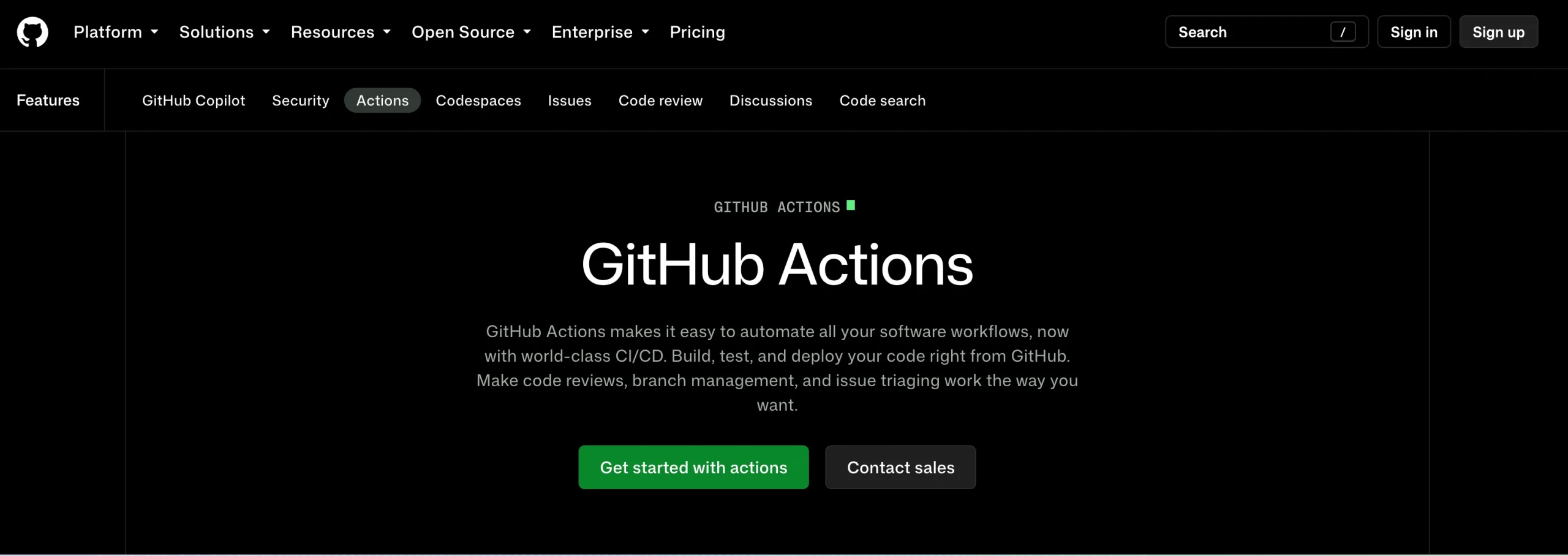
GitHub Actions is developed by GitHub. You write workflows in YAML files within your repo & they run on commits, pull requests, or releases.
Best for:
- Teams that are currently using GitHub.
- Common build, testing, and deployment processes.
- Teams that don’t want to run an additional CI server separately.
Why it works:
- All your code, Pull Requests, and CI pipelines live within the same GitHub infrastructure.
- GitHub-hosted runners have fewer things to manage regarding infrastructure.
- OIDC allows workflows to access short-lived cloud credentials without storing long-lived credentials within the repository secrets.
- Good fit for integration with tools like Argo CD for Kubernetes deployment.
Watch out for:
- Multiple repositories can have different workflows due to a lack of consistent standards.
- External actions require careful evaluation and pinning to the specific commit rather than a tag.
- Differences in prices based on the type of runner, number of minutes used, and the storage used.
When I’d use it:
Default choice for most teams that work with GitHub, if the workflows and permissions are standardized.
3. CircleCI: Great for CI/CD management and fast builds
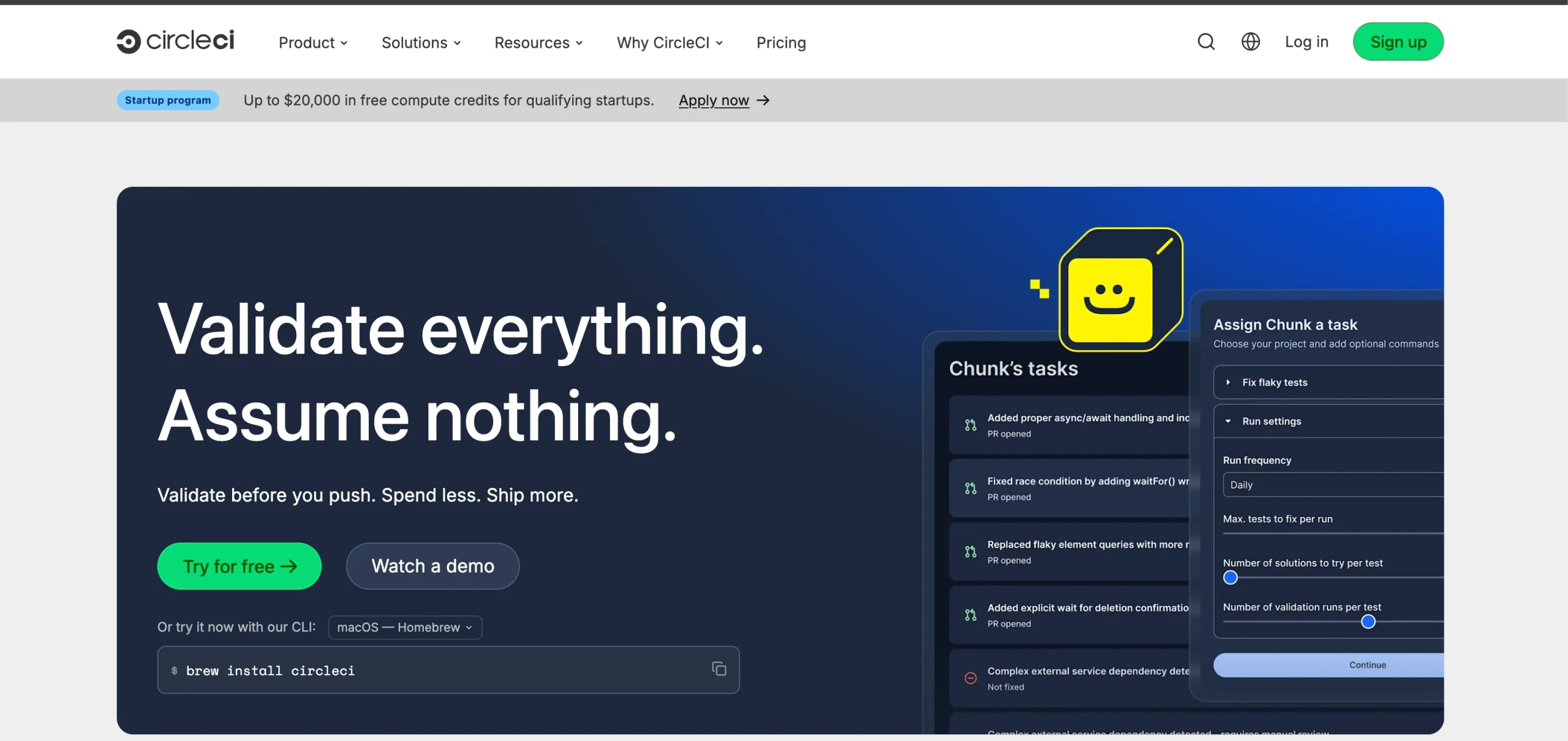
CircleCI is a hosted CI/CD solution that is built specifically for fast builds, caching, parallelization, and configurable machine sizes.
Best for:
- Large test suite or large build.
- Teams that need to be fast due to parallelization.
- Teams that want to manage CI/CD without having to run servers themselves.
Why it works:
- Parallelization and caching can make the build and testing process faster.
- No infrastructure to maintain yourself.
- The free tier comes with 30,000 credits per month.
Real-life example:A case study of CircleCI for Procurify shows how the deployment time was shortened from 1 hour 40 minutes to 10 minutes by switching to CircleCI – a personal result for one client, but not guaranteed for everyone.
Watch out for:
- Estimation of costs that come from the credit-based pricing might be difficult with increased usage.
- Could become redundant when used only together with GitHub Actions for everything.
- Great solution for usage tracking rather than for estimating monthly pricing.
When I’d use it:
When the benefit from the managed infrastructure and fast builds outweighs what I have now.
4. Northflank: Best for Teams Wanting a Managed PaaS
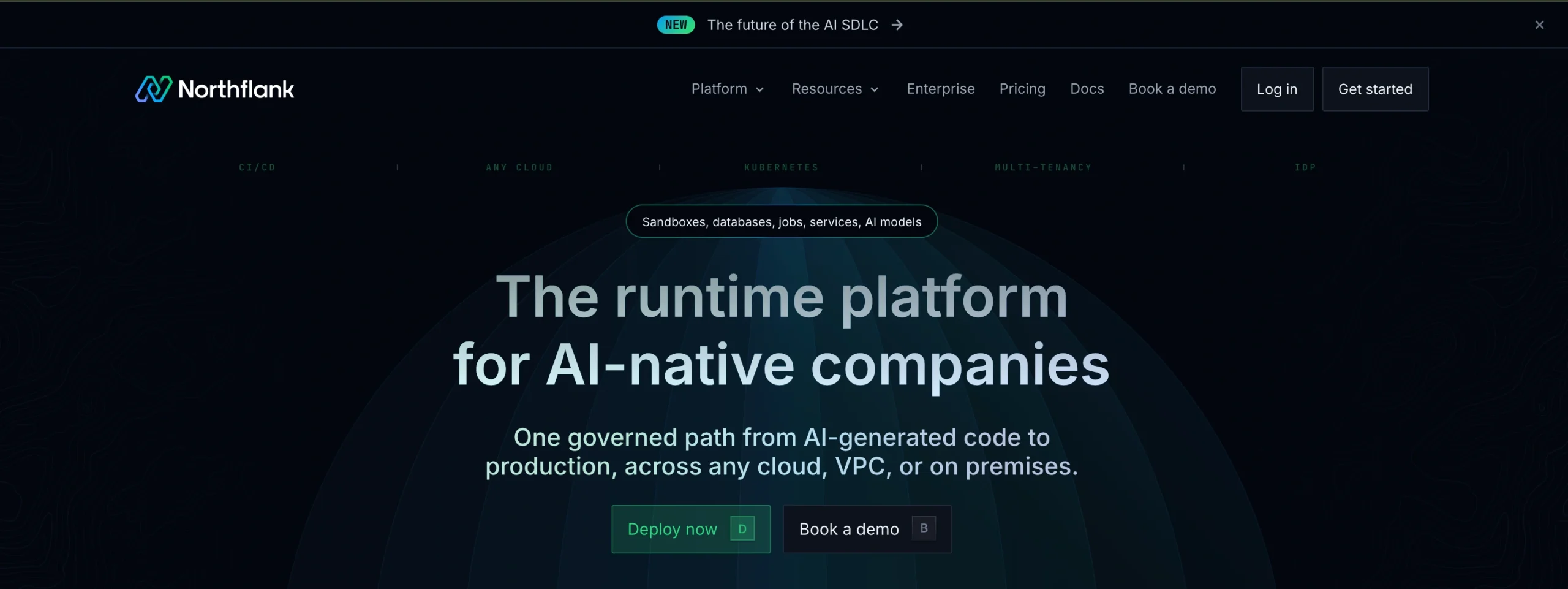
Northflank is a modern CI/CD and deployment platform that bundles builds, services, databases, and preview environments in one place. It sits between raw Kubernetes and simple PaaS hosts, offering more capability with less operational burden
Best for:
- Teams that want CI/CD plus runtime without running Jenkins, Argo, or Kubernetes.
- Startups needing fast iteration with preview environments and managed databases.
- AI/ML projects requiring GPU workloads alongside normal app services.
Why it works:
- Combines CI/CD, orchestration, and databases in one platform.
- Provides a unified interface, reducing context switching and YAML overhead.
- BYOC option lets you keep infrastructure in your own cloud while Northflank manages the platform layer.
Watch out for:
- Vendor lock‑in risk: configs and pipelines are Northflank‑specific.
- Smaller ecosystem compared to Kubernetes + Argo + Terraform.
- BYOC pricing can be complex since you pay both your cloud provider and Northflank.
When I’d choose:
- As a default platform for new product teams that want fast deploys and managed databases.
- For AI/ML projects needing GPU access without building a custom inference stack.
- When compliance requires data residency in your own cloud account.
Jenkins vs GitHub Actions vs CircleCI vs Northflank
| Factor | Jenkins | GitHub Actions | CircleCI | Northflank |
|---|---|---|---|---|
| Ownership | Team-owned | GitHub-managed | CircleCI-managed | Northflank-managed (or BYOC in your own cloud) |
| Configurations | Jenkinsfile/Groovy | YAML | YAML | YAML + UI (services, jobs, DBs) |
| Cost Model | Infrastructure + operator time | Usage-based | Credit-based | Pay-as-you-go (vCPU, memory, GPU) or BYOC fees |
| Start here if.. | Compliance or air-gap rules blocked a hosted CI/CD | Already exists on GitHub | Build speed is a proven bottleneck | You want CI/CD plus runtime, databases, and preview envs without owning Kubernetes |
Infrastructure as Code Tools
Terraform and Pulumi help teams set up and manage cloud infrastructure using code. They solve similar problems but take different approaches. Terraform uses its own language, while Pulumi allows you to use real programming languages like TypeScript or Python.
5. Terraform: Best for teams that need an industry default
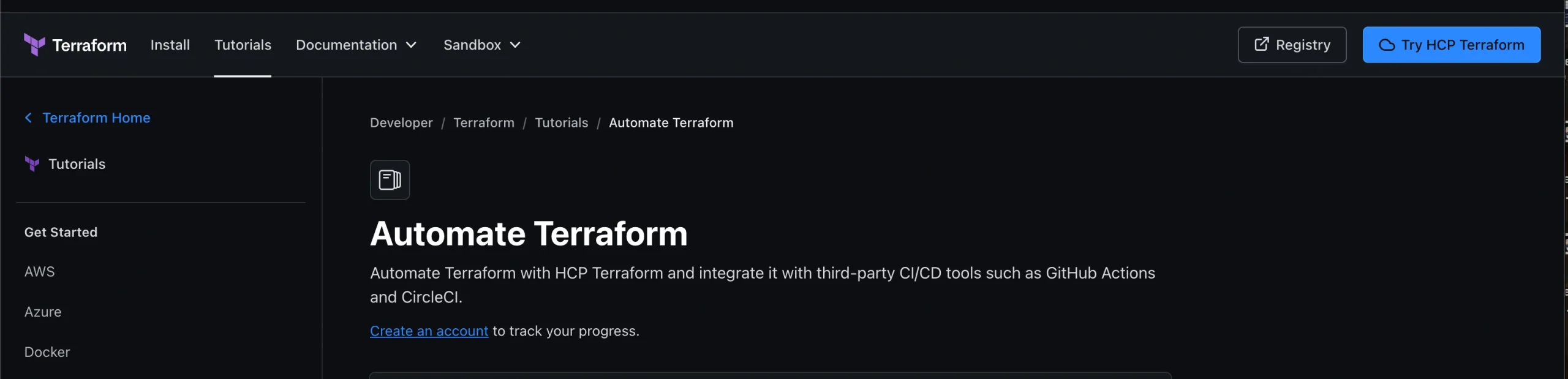
Terraform’s biggest advantage is not just the tool itself. This is the ecosystem that surrounds it: modules, documentation, examples, providers, and a big community of people who already know how to work with it
Best for:
- Teams that would like to get their hands on an enormous collection of modules and talent.
- Terraform multi-cloud architecture with AWS, GCP, and Azure.
- Companies that require custom-made configuration language.
Why it works:
- Capital One explained their Terraform experience with private cloud infrastructure.
- Pinterest can be named another enterprise user of Terraform.
- Terraform is widely used by many people, and all issues usually have some solution online.
Watch out for:
- The state file is what matters most. Depending on what you manage, it can contain sensitive values and needs to be protected accordingly. State files can hold sensitive values in plain text.
- Teams are required to set up remote state, locking, and module boundaries early to avoid these issues that will occur in the future.
When I’d choose:
Terraform is usually the first choice, unless the team is already coding in Pulumi’s supported languages.
6. Pulumi: Teams that need infrastructure in a real programming language
Pulumi lets you write infrastructure in languages such as TypeScript, Python, Go, or C#. For development teams, that can make infrastructure easier to structure, reuse, and test using the same practices they already use for application code.
Why it works:
- As of the 2023 funding round, Pulumi reported 2,000+ customers and 150,000 users, consisting of Univision, Pinecone, Moderna, and LEGO Group.
- Pulumi had increased to 7000+ enterprise customers by 2026.
- More than half of the Fortune 50 constantly use the Pulumi tool.
- State lives in Pulumi Cloud by default, creating team-based state for easier sharing.
Watch out for:
- Default state management is also a dependency; unless you configure self-managed state, that relies on Pulumi’s service.
- Smaller talent pool and community in comparison to Terraform.
When I’d choose:
Pulumi is the best choice when your team already codes daily and requires infrastructure logic that is testable and reusable like application code.
Terraform vs Pulumi
| Factor | Terraform | Pulumi |
|---|---|---|
| Config approach | HCL (DSL) | Real code (TS, Python, Go) |
| State | Self-managed | Pulumi Cloud by default |
| Testing | Plan or apply preview only | Native unit testing |
| Start here if | You require the bigger ecosystem and talent pool | Your team already codes regularly |
Container Orchestration Tools
Kubernetes is the standard DevOps automation tool for running containers in production — the kind of setup our cloud‑native app development team builds for clients moving off monoliths. Docker handles the packaging, while ArgoCD manages GitOps delivery, both revolving around Kubernetes as the core.
7. Kubernetes: Best for running containers at scale
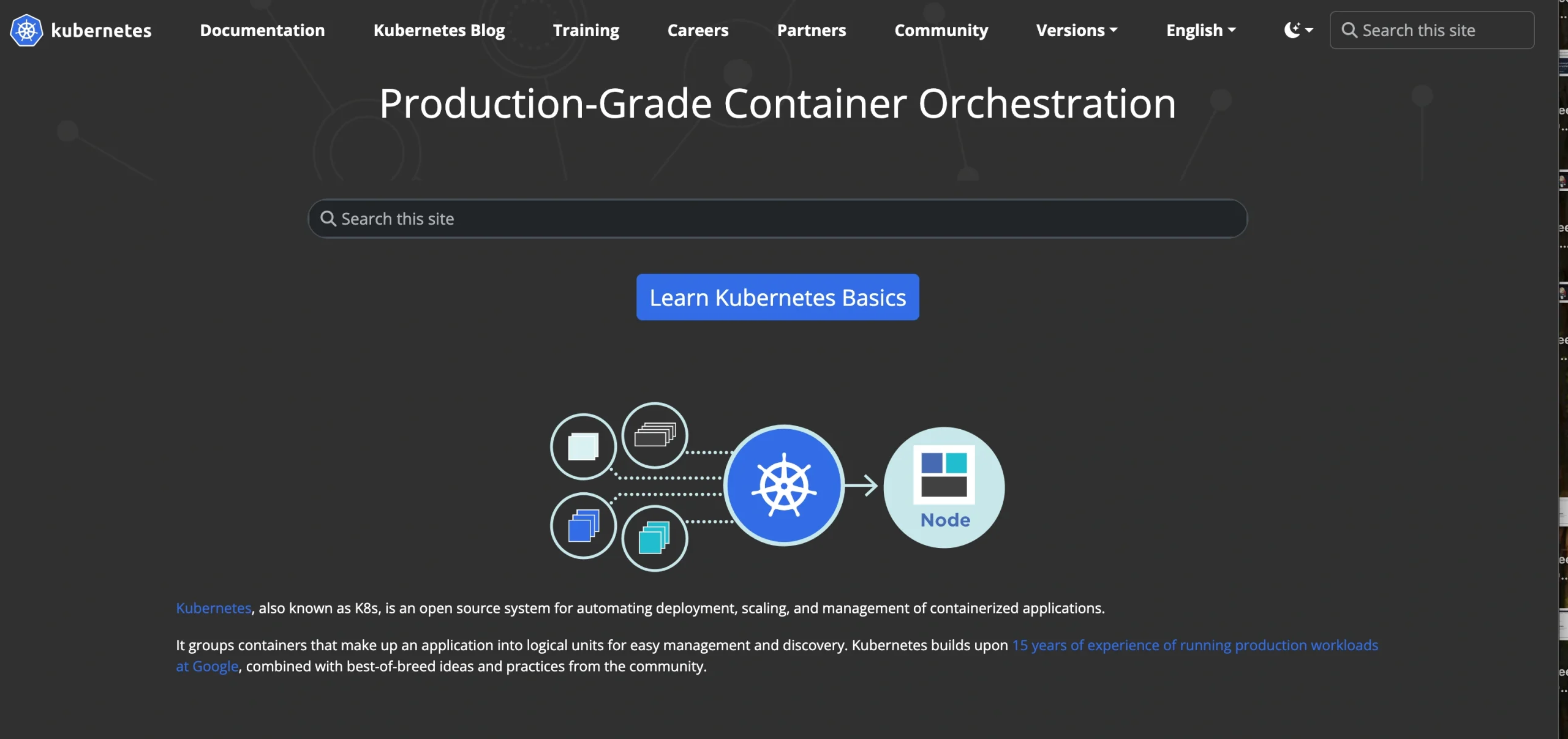
Kubernetes starts to make more sense when a team is running enough services that manual scaling, recovery, and workload management become difficult to handle.
Best for:
- Teams operating many services that must scale and recover automatically.
- Organizations already working in cloud‑native setups.
- Workloads where manual capacity planning slows delivery.
Why it works:
- Spotify moved from its in‑house tool (Helios) to Kubernetes in 2018, citing autoscaling as the biggest win.
- Tinder reported in 2019 that it ran 200 services across 1,000 nodes and 15,000 pods on Kubernetes.
- Bloomberg credited Kubernetes with pushing hardware utilization to 90–95% efficiency, per CNCF’s case study.
Watch out for:
- Steep learning curve with YAML, networking, and RBAC.
- The bigger risk is adopting Kubernetes without actually using the capabilities that justify its complexity.
When I’d choose:
Opt for Kubernetes once container orchestration outgrows a single server or simpler tool — not by default for every project.
8. Docker: Best for consistent packaging everywhere
Docker packages an application and its dependencies into a consistent container image, making it easier to move the same workload between development, testing, and production.
Best for:
- Standardizing how apps work across infrastructures.
- Teams needing a consistently built artifact prior to deploying anywhere.
- Local development that mirrors production.
Why it works:
- Solves the “works on my machine” problem by packaging apps with dependencies.
- Guarantees consistency across dev, test, and production environments.
- Became the industry baseline, influencing the wider ecosystem (e.g., early contributor to Prometheus).
Watch out for:
- Docker does not orchestrate or scale; it’s the only packaging layer.
- Most production environments utilize Docker in conjunction with Kubernetes or other orchestration.
When I’d choose:
Docker is the standard base that most of the containerization flow relies upon.
9. ArgoCD: Good for GitOps-based Kubernetes delivery
ArgoCD maintains synchronization between the state of the Kubernetes cluster and configuration saved in Git. In case something gets out of sync, ArgoCD can synchronize it. If something drifts, then ArgoCD fixes it.
Best for:
- Organizations that need all changes in production to be trackable via Git commits.
- Kubernetes-based deployments where GitOps can work automatically.
- Integration with CI services such as GitHub Actions or Jenkins.
Why it works:
- A combination of CI for building/testing and ArgoCD for delivering is a common industry practice.
- Git becomes the single source of truth regarding what is running in production.
Watch out for:
- ArgoCD supports only core rolling update capabilities.
- For canary and blue-green deployments, an additional Argo Rollouts service is required.
When I’d choose:
ArgoCD can be a good choice in case the whole infrastructure is Kubernetes-based and every change should be recorded in Git. If Kubernetes is not used as part of your deployment infrastructure, then there is no point in choosing ArgoCD.
10. Spinnaker: Best for multi-cloud continuous delivery
Spinnaker was created at Netflix to manage deployments through multiple clouds. Unlike single-binary tools, it runs as a set of microservices (Deck, Gate, Orca, Clouddriver, Igor, Echo, Front50, Rosco, Kayenta) that function together.
Best for:
- Organizations deploying across AWS, Azure, GCP, and so on
- Teams that require canary and blue/green deployment practices built in
- Large engineering teams that can handle pricing running Spinnaker itself
Why it works:
- Netflix uses Spinnaker for canary and blue/green deployments, and its development blog reports 20000 + deployments daily company-wide.
- Majorly cited in vendor comparisons as used by big businesses with frequent and high-volume deployments.
Watch out for:
- Spinnaker is generally complicated as it’s created from many different services, so usually small teams face complications while using it.
- It assumes a team with the capacity to function as several coordinated services
When I’d choose:
I’d consider Spinnaker when deployments span multiple clouds or when advanced release strategies are a core requirement.
11. Portainer: Best for a visual layer over Docker and Kubernetes
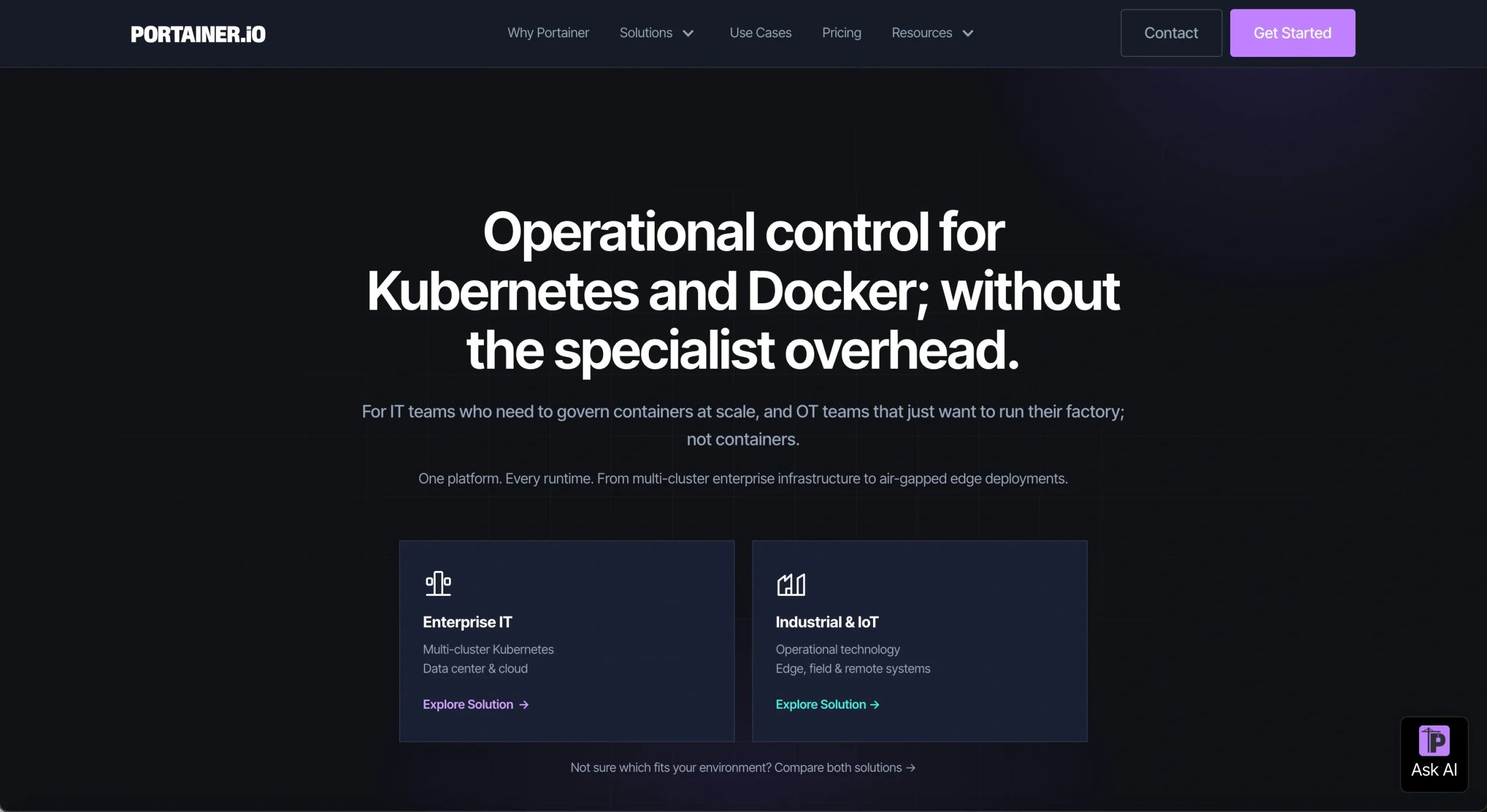
Portainer offers teams a dashboard to handle Docker and Kubernetes instead of depending only on CLI commands.
Best for:
- Teams managing both Docker Swarm and Kubernetes.
- Businesses that require an easier interface than the raw CLI tooling.
- Smaller setups that do not need a complete CD pipeline like Jenkins or Spinnaker.
Why it works:
- Its main appeal is straightforward: teams get a visual way to manage containers without relying only on the CLI.
- It can connect to a GitHub repository and auto‑deploy on push, acting as a lightweight CD pipeline for simple setups.
Watch out for:
- Visual layers don’t offer the fine‑grained control that CLI tools provide.
- It’s not a replacement for a complete CI/CD pipeline once deployment logic grows complex.
When I’d choose:
Portainer is best when a team needs a simple dashboard over Docker or Kubernetes without adopting heavier CD tools. It’s not the right fit as a replacement for full CI/CD platforms once pipelines expand.
Kubernetes vs. Docker vs. ArgoCD vs. Spinnaker vs. Portainer
| Factor | kubernetes | Docker | ArgoCD | Spinnaker | Portainer |
|---|---|---|---|---|---|
| Purpose | Orchestration | Packaging | GitOps delivery | Multi-cloud delivery | Visual management |
| Architecture | One system, many components | Single or binary engine | One component and other in-cluster | Several coordinated microservices | Single binary/agent |
| Scope | Kubernetes | Any infrastructure | Kubernetes | Multi-cloud (AWS, Azure, K8s, GCP) | Docker + Kubernetes |
| Start here if | You need automated scaling and self-healing | You need a consistent build artifact everywhere in development | You require every production change traced to a Git commit | You deploy across several clouds with canary and blue-green in-built | You want a dashboard instead of CLI/YAML |
Configuration Management
These DevOps automation tools keep servers in the right state — Ansible and Terraform are both part of the cloud and DevOps technology stack we run in production.
12. Ansible: Best for agentless configuration management
Ansible uses YAML playbooks to describe the desired configuration and applies those changes remotely, typically over SSH. Because the managed machines don’t need an agent, getting started is relatively simple.
Best for:
- Teams that require fast setup without installing agents everywhere.
- Hybrid-cloud setups across AWS, Azure, and Google Cloud.
- Organizations requiring fast and constant updates through several servers.
Why it works:
- NASA’s Jet Propulsion Laboratory noted that upgrading nasa.gov took under five minutes instead of more than one hour after implementing Ansible.
- Multi-day patching processes were reduced to 45 minutes.
- Hootsuite uses Ansible’s agentless technology to manage infrastructure across multiple clouds.
Watch out for:
In the case of a brand-new configuration-management initiative, I would normally opt for Ansible unless there are any special reasons to go for an agent-based solution.
When I’d choose:
I would choose Chef when the team has significant experience working with Chef infrastructure or Ruby.
13. Chef: Perfect choice for policy-driven automation at scale
Each node in the environment has the Chef client (agent) executing the policies written in Ruby recipes.
Best for:
- Teams with Ruby expertise.
- Organizations that have Chef infrastructure.
- Environments where continuous compliance with policy is vital.
Why it works:
- Agent-based approach allows integrating policies seamlessly while Chef runs.
- Historically strong among big enterprises with Ruby-dependent workflows.
Watch out for:
- The relevance of Chef in the market dropped dramatically due to the popularity of Ansible and Terraform, which covered most of Chef’s use cases.
- Discontinuation of Chef Infra Server will happen after 31st October 2026, the elimination will happen on 30th November 2026; the new adoption.
- Agents need to be present on each node, which creates operational overhead.
When I’d choose:
I would choose Chef when the team has significant experience working with Chef infrastructure or Ruby.
Ansible vs Chef
| Factor | Ansible | Chef |
|---|---|---|
| Architecture | Agentless (SSH) | Agent-based (client on each node) |
| Language | YAML playbooks | Ruby recipes |
| Enforcement model | Applied on run | Continuous, pull-based between runs |
| Start here if | You want fast setup across hybrid or multi-cloud | You already have Ruby expertise and Chef investment |
Monitoring and Observability
The free tool is the standard for tracking metrics, while the paid one focuses more narrowly and goes deeper into specific jobs
14. Prometheus: Best for cloud‑native metrics and alerting
Prometheus is widely used for metrics and alerting in Kubernetes and other cloud-native environments. Usually, Kubernetes tools already export the Prometheis++us-style metrics, so it becomes the default choice in top DevOps automation tools
Best for:
- Kubernetes-native infrastructure.
- Teams that require open-source, self-hosted monitoring.
- Businesses creating their software on cloud-native tools.
Why it works:
- Built at SoundCloud in 2012 to track microservices when the previously older tools could not keep up.
- Docker and Boxber were previously external contributors, shaping its growth.
- CNCF, becoming the second project to teach after Kubernetes.
Watch out for:
Self-hosted means you handle scaling, storage, and retention yourself Keep focus on infrastructure metrics, not tracing application bugs
When I’d choose:
I’d choose Prometheus for Kubernetes and infrastructure metrics, but not as the primary tool for tracing an application bug down to a specific line of code.
15. Raygun: Best for error and performance monitoring
Raygun stands out as a focused tool for error tracking and performance monitoring. It helps teams quickly pinpoint issues at the application level without the overhead of a full APM suite.
Best for:
- Teams that need fast, precise root‑cause analysis of user‑facing errors.
- Organizations that want application‑level diagnostics without a full APM suite.
- Development teams focused on tracing performance issues down to the exact line of code.
Why it works:
- Provides deep visibility into application errors, not just infrastructure metrics.
- Narrower scope than Datadog or New Relic, which makes it cheaper and easier to adopt.
- Helps teams resolve production issues quickly without the overhead of a full monitoring platform.
Watch out for:
- Does not cover infrastructure‑level metrics — it complements tools like Prometheus rather than replacing them.
- Requires a paid subscription, unlike open‑source alternatives.
When I’d choose:
- When the priority is fast, accurate error tracing at the application level.
- As a lightweight alternative to full APM platforms for teams that only need error monitoring.
Prometheus vs. Raygun
| Factor | Prometheus | Raygun |
|---|---|---|
| Scope | Infrastructure metrics and alerting | Application-level error and performance tracing |
| Deployment | Self-hosted, open-source | Hosted SaaS |
| Start here if | You’re on Kubernetes and need infra metrics | You need to trace user-facing errors to the exact line of code |
Testing Automation
13. Selenium: Suitable for automated tests of the browser in CI/CD
Selenium allows you to automate interaction with the browser and is often used in CI/CD; adding this into the testing stage of the broader software development process will quickly checks for errors and make sure the software works as expected.
Best for:
- Teams requiring browser-dependent UI regression testing.
- CI/CD pipelines where browser tests operate automatically before release.
- Organizations needing the most widely supported option through a CI platform.
Why it works:
- Widest CI platform deployment of browser-testing tool.
- Long-standing default for most teams and CI tools that already expect it.
Watch out for:
The biggest complaint is flakiness: a test can fail even when the application itself is working correctly. This problem has pushed teams to the new DevOps automation tools
When I’d choose:
Selenium is the default for wider CI compatibility; but if flaky checks are already an issue, newer frameworks may be valuable to explore.
Head-to-Head Comparison: Terraform vs Pulumi
Both can provision similar infrastructure, so the decision usually isn’t about whether either tool can do the job. The harder question is what your team already has and how much it would cost to change. Do you need to find a new configuration language (Terraform’s HCL) or rewrite existing modules into a real programming language (Pulumi)?
| Factor | Terraform | Pulumi |
|---|---|---|
| Existing investment | Perfect if you previously have working and mature HCL modules | Best if you are beginning newly or have just small modules |
| Team background | Works if your team is good at exploring config-specific language | Fits teams already coding day-to-day in TypeScript, Python, or Go |
| Unit-testing infra logic | Limited support (plan/apply/preview) | Native support; same test tool as app coding supports |
| Hiring | Large talent pool and more Stack Overflow history | Little but growing pool |
| State Sharing across a team | Need deliberate remote-state setup | Managed by Puumi Cloud by default |
Kubernetes vs Docker Swarm: Real question is whether you’ll utilize what Kubernetes offers you
Both tools can orchestrate containers. The practical question is whether your workload needs what Kubernetes adds, or whether that extra complexity would simply become another thing your team has to maintain.
| Factor | Doctor Swarm | Kubernetes |
|---|---|---|
| Team already knows Docker CLI/Compose | Yes; near-zero new learning | Needs to learn a new material model |
| Autoscaling | Not built-in; simpler scaling by design | Powerful autoscaling; but only worthwhile if you only enable it |
| Managed cloud services (ESK/GKE/AKS) | Not available from major providers | Available everywhere as managed offerings |
| Multi-tenant RBAC at Scale | Not swarm’s architecture targets | It’s purpose-built |
In short
- Docker Swarm is simpler if your team already has an idea about Docker automation tools and wants quick setup with very minimal learning.
- Kubernetes is the better fit if you’ll actually use its premium features like managed cloud services, autoscaling, and RBAC at scale.
Ansible vs Chef vs Puppet: The actual question is agentless vs agent-based
All three aim for the same basic outcome: keeping server configuration consistent. Where they differ is how they get there. The variation is architecture. Once you build around the agentless or agent-based approach, switching them later becomes costly.
| Factor | Ansible | Chef | Puppet |
|---|---|---|---|
| Agent required on managed nodes | No | Yes | Yes (agentless exists but not the main model) |
| Time to initial working automation | Hours (YAML playbooks) | Days (requires Ruby) | Days (Puppet DSL) |
| Where it maintains the best at huge scale | Control node can strain at very large fleets | Client-server model created for bigger fleets | It’s proven at 10,000+ node deployments |
| Compliance or audit tooling maturity | It’s accessible via an automation platform | Convenient to use | Usually specified for HIPAA, PCI DSS, and FedRAMP |
| Conventional real-world problems | Provisioning ad hoc orchestration | App configuration pipelines (where Ruby already exists) | Continuous compliance implementation |
In short
Ansible: fast to begin, agentless, best for hybrid-cloud and ad hoc orchestration.
Chef: Best fit where Ruby expertise and existing Chef investment already exist.
Puppet: Robust compliance and audit tooling, proven at very huge scale.
ArgoCD vs Spinnaker: The real question is whether you deploy outside Kubernetes
ArgoCD and Spinnaker are often compared, but they are not interchangeable in every environment. The deployment target is usually a better starting point than personal preference
| Factor | ArgoCD | Spinnaker |
|---|---|---|
| Deploys to non-Kubernetes targets (VMS, serverless) | No | No |
| Operational cost of running the tool itself | Low as a single component | High; 9 coordinated microservices |
| Canary/blue-green support | Need companion Argo Rollouts | Built-in (Kayenta) |
| Perfect call if | Your infrastructure is Kubernetes end-to-end | You deploy across several clouds or non-K8s targets |
In short
- ArgoCD is the correct fit when your environment is totally Kubernetes. And you need GitOps auditability with minimal operational overhead.
- Spinnaker is a better choice when you need to deploy across several clouds or non-Kubernetes targets, and can manage the heavier architecture.
Prometheus vs Datadog: The real question is whether the cost shows up as dollars or engineering hours
Both can handle a wide range of monitoring needs, but the trade-off is where you spend your time and money. That’s something we look at in our cloud services and solutions work. If your team has the engineering bandwidth, one approach may make sense. If you’d rather pay for a managed service and reduce the operational load, the answer can be different.
| Factor | Prometheus | Datadog |
|---|---|---|
| Where the cost lands | Infrastructure + your engineers’ time (HA, federation, exporters) | A subscription bill that scales with hosts and retention |
| Pre-built implementations | Fewer; often paired with Grafana and Alertmanager | 600+ integrations out of the box |
| DevOps teams fit | Talented in-house ops talent and tight budget | Teams that need minimal maintenance and have a good budget |
| Kubernetes-native fit | Most K8s tooling exports Prometheus metrics by default | Wants the Datadog agent, not native to K8s |
In short
- Prometheus is the right fit if your team has strong ops skills and wants to save money by monitoring in -house.
- Datadog is a better choice if you would rather pay for convenience, with a number of integrations, ready out of the box, and less maintenance overhead
How to Choose the Right DevOps Automation Tool
Integration: Start with the tools that already fit your stack, such as GitHub Actions for GitHub-based CI/CD or Terraform for infrastructure spanning AWS, Azure, and Google Cloud. Scalability: Match the tool to the workload; Kubernetes and Spinnaker can handle complex environments, but adopting them before you need that complexity creates more work to maintain.
Security and compliance: Analyze RBAC, secrets management, audit logs, and policy enforcement; Ansible and Chef support automated configuration and compliance enforcement.
Ease of use: Choose between visual and code-driven workflows based on the team’s talents, with Portainer offering a UI-based experience and Jenkins, GitHub Actions, and CircleCI relying on configuration-based pipelines.
Cost and ownership: Look at the total cost of running the tool, not just its license price, because self-hosted platforms shift more of the cost to infrastructure and engineering time.
If you need help translating these criteria into a concrete toolchain for your environment, our DevOps Engineering services cover pipeline design, Kubernetes adoption, and observability setup end‑to‑end.
Conclusion
The best DevOps automation platform is subjective, but rather than looking for it, you should consider what kind of automation you need and how ready your team is to bear the responsibility for operations.
Terraform and Pulumi can solve quite similar issues, so the decision can rely on your existing investments and preferences of the team. Kubernetes becomes complicated for a reason because workloads require better orchestration, scalability, and resilience options; however, in some cases, Kubernetes can become too complex. Jenkins provides high flexibility for self-hosting, while GitHub Actions keeps the CI/CD process aligned with the existing development environment. Prometheus and Datadog follow different strategies for observability, but with one of them, the team will have more responsibilities, and the other will be more expensive.
This is how I will build a DevOps automation platform at Excellent Web World: start with workloads, check the capabilities of the team, and choose the platforms that will solve the problem- the same decision-making approach we use in our legacy software modernization projects. There is no need to include all the popular DevOps automation platforms in a solution; there is a need to find solutions that fit together, belong to someone, and can be replaced in case of necessity.
If you want to discuss which of these tools fit your stack, talk to our DevOps team for a no‑pressure conversation about your current pipelines, constraints, and where automation will actually reduce risk.
Frequently Asked Questions
Both provision cloud infrastructure as code. Terraform uses its own declarative language (HCL), while Pulumi utilizes general-purpose languages like TypeScript, Python, and Go. In practice, the choice usually comes down to how much Terraform investment you already have and which programming model your team prefers.
Kubernetes can be overkill for a small team when workloads are simple and predictable because the platform adds operational complexity; a simpler container platform may be the better choice until scaling, resilience, or organizational requirements justify Kubernetes.
Jenkins is free and open-source but needs self-hosting and maintenance, while GitHub Actions offers a generous free tier if you are already on GitHub. “Free” only removes the software license cost; self-hosted tools still require infrastructure, maintenance, upgrades, and engineering time.
They solve multiple problems and are often utilized together. Terraform provisions environments; Ansible configures what operates on it, though completely containerized setups often drop Ansible since config lives within the picture.
Prometheus tracks the infrastructure and cloud-native metrics/ alerting, while Raygun traces the app-level mistakes and performance down to specific lines. Prometheus focuses on infrastructure and cloud-native metrics and alerting, while Raygun focuses on application errors and performance, so the two can complement each other rather than directly compete.
ArgoCD is worth considering if you’re already running Kubernetes because it gives you Git-driven deployments, an auditable change history, and automated drift correction. It’s used by teams like Spotify, but outside of Kubernetes it does not apply.
Consolidation reduces the number of integrations and tools your team has to maintain, but it can also mean giving up some control over individual layers. So, the right choice depends on whether your bottleneck is time or technical requirements.
I’d start with Ansible for most new projects because it is agentless and relatively quick to get running. Chef makes more sense when you already have Chef or Ruby expertise, while Puppet is worth considering when continuous configuration enforcement is a major requirement.

Article By


Paresh Sagar is the CEO of Excellent Webworld. He firmly believes in using technology to solve challenges. His dedication and attention to detail make him an expert in helping startups in different industries digitalize their businesses globally.